
Tools of the trade
This was originally published in my Prime Lenses Newsletter. You can sign-up for a weekly update to your inbox here.
Becca Farsace recently made a video about her wonderful workhorse $700 laptop. It was so compelling that I finished watching it and immediately went to see how much a 5-year-old 16 inch M1 Pro MacBook would cost – the answer is around £700 and it would be an amazing portable computer in 2026. As someone who can’t edit photos on the laptop he currently uses for his work, I could probably learn something from her, and it got me thinking about the stuff I use to make the show each week.
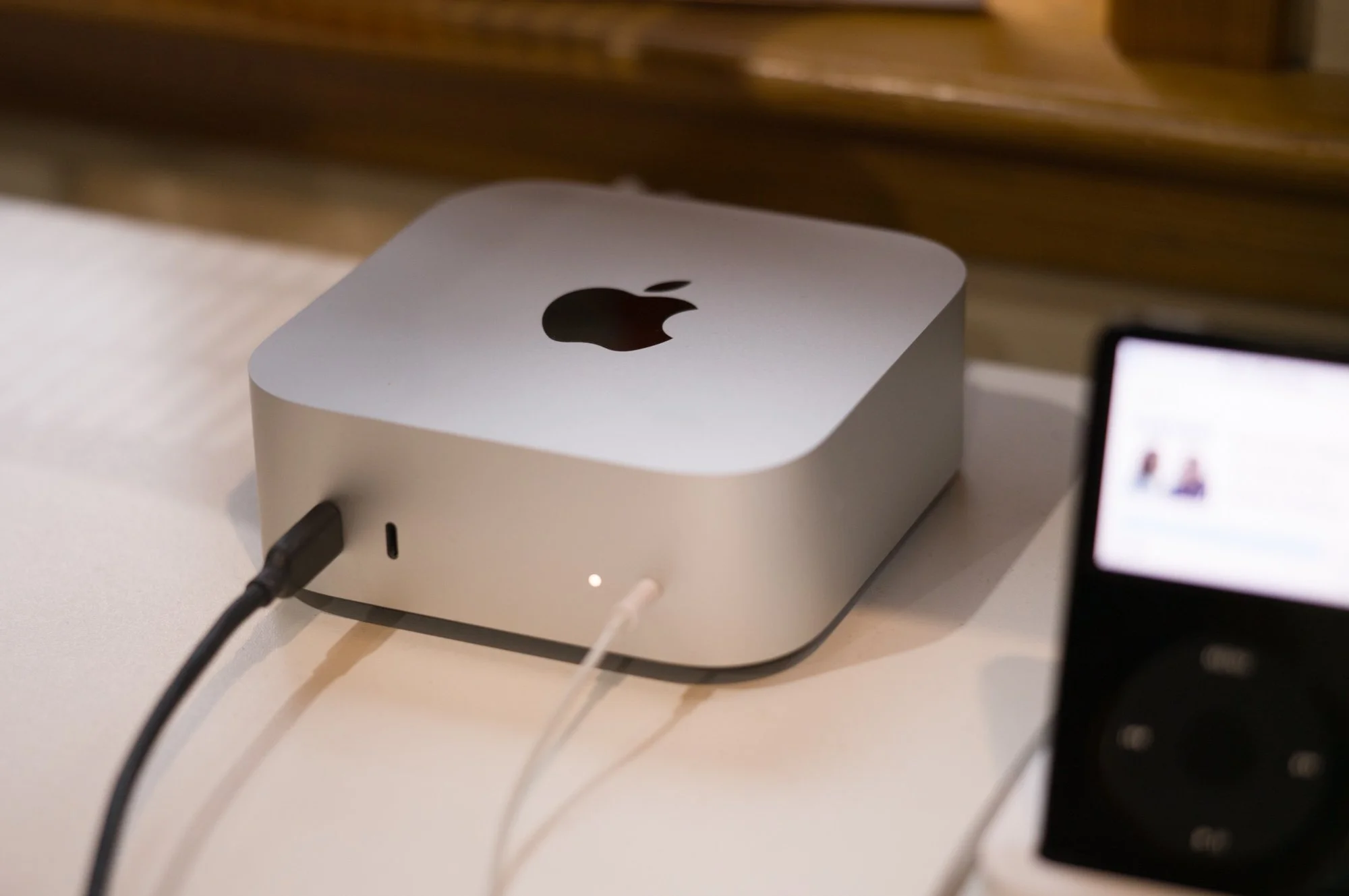
Mac Mini M4
Tool number one is a computer to record, edit and publish on. It’s remarkable when you think about it, the computer is the most versatile tool humans have ever made. From writing to communicating in real-time it has replaced travel, type writers, and letters to put a research station, library, art department, publishing department, TV, hi-fi and recording studio on every desk. It’s wild when you think about it.
Mostly, I’m at my desk with my trusty M4 Mac Mini, easily the best computer I’ve ever used. Whether you’re a Windows, Linux or Mac person, the Mac Mini is about the best value computer money can buy, especially given the price of RAM these days. You can’t build a machine this powerful and energy efficient for this price. On the road it’s my little Surface Laptop Go which was £170 on eBay, the seller was even kind enough to tell me which one had the healthiest battery of the ones they had in stock.
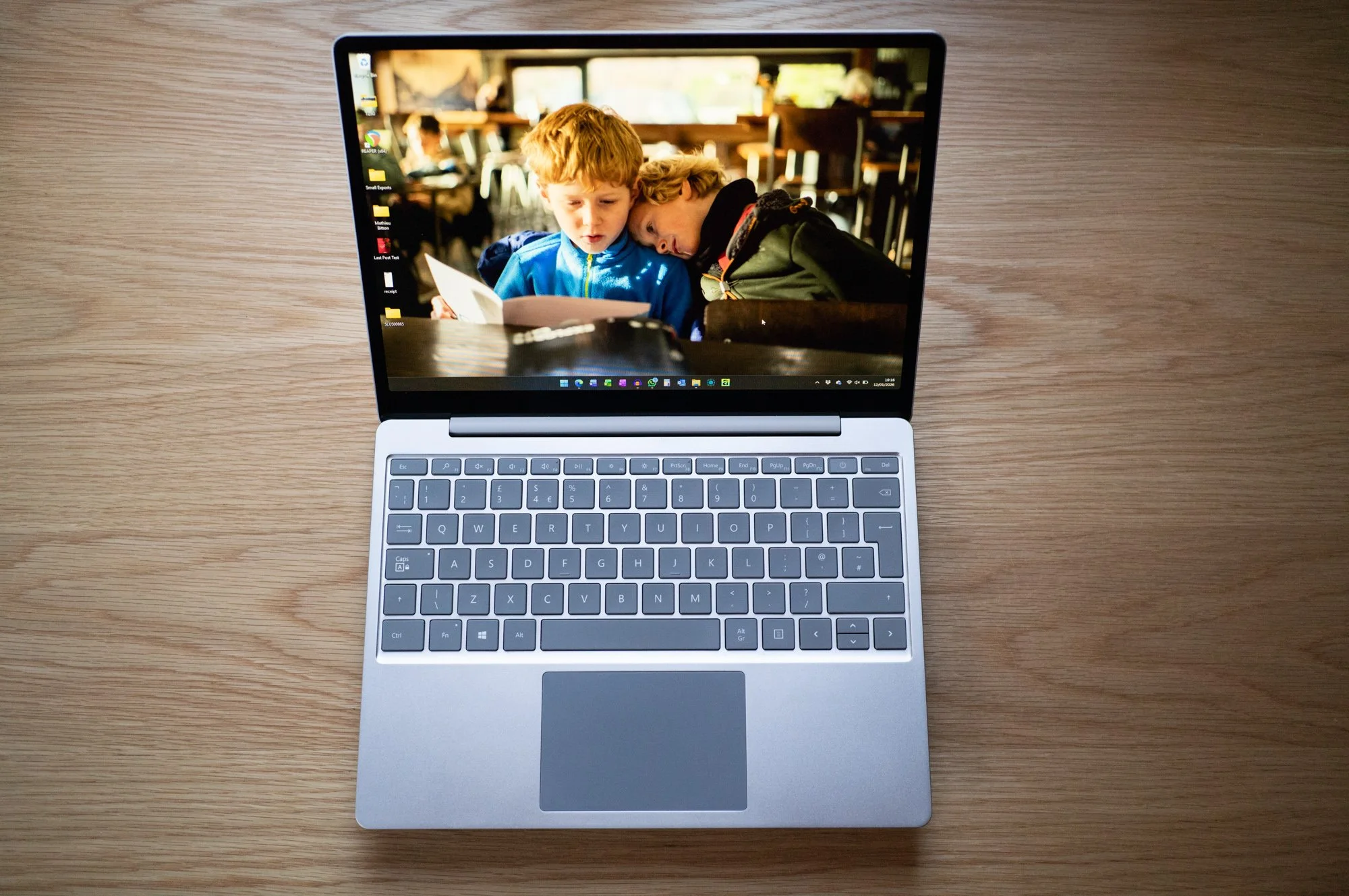
Microsoft Surface Laptop Go
It’s small, light, and more than powerful enough to edit an episode of the podcast on. I really like the keyboard and it has a touch screen which I barely use. The webcam is terrible, the trackpad is fine, and the fingerprint sensor doesn’t always log me in first or fourth time, but I really enjoy typing on it and that’s mostly what it’s for.
It reminds me of my previous favourite laptop of all time, the 12 inch PowerBook that Apple made in the early 2000s. I also really appreciate some of the little touches like the curved edges to the display, the fact that it has a USB A and C port, and, this will shock many of you, Windows has some nice software features.
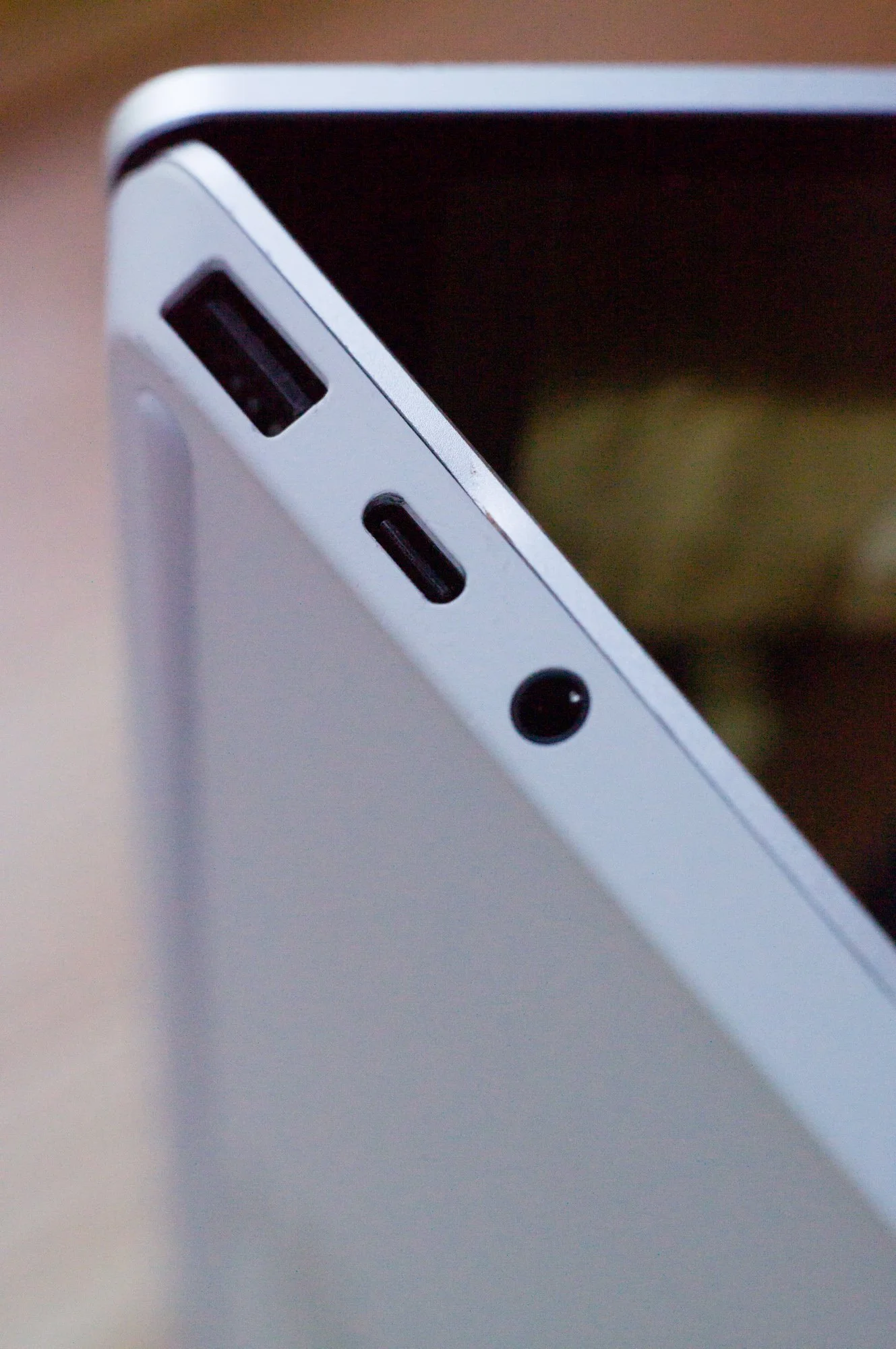
Not lots of ports but some - Surface Laptop Go
Delightful feature number 1 is the ability to double tap to drag. Pressing with enough force to click on any other trackpad to drag after you use this feature on a Windows machine is the worst, and given that everyone copies everyone in this business you’d think that Apple would just nick this. I’ll bet I could do it on Linux*. I really miss it when I switch back to my Mac from using the laptop. Feature number 2 is actually a feature of Word. When you type in Word, they’ve used some nice formulas to manage the speed of the cursor when you hold down the backspace key. I realise as I type this that it’s TURBO niche to enjoy the speed that a cursor moves on a piece of software from 4 years ago but what can I say? I get sent Office docs all the time, I paid to get a not too old copy of Office to type on and I really like it. Don’t hate the player, hate the game 😉
* I checked, you can :)
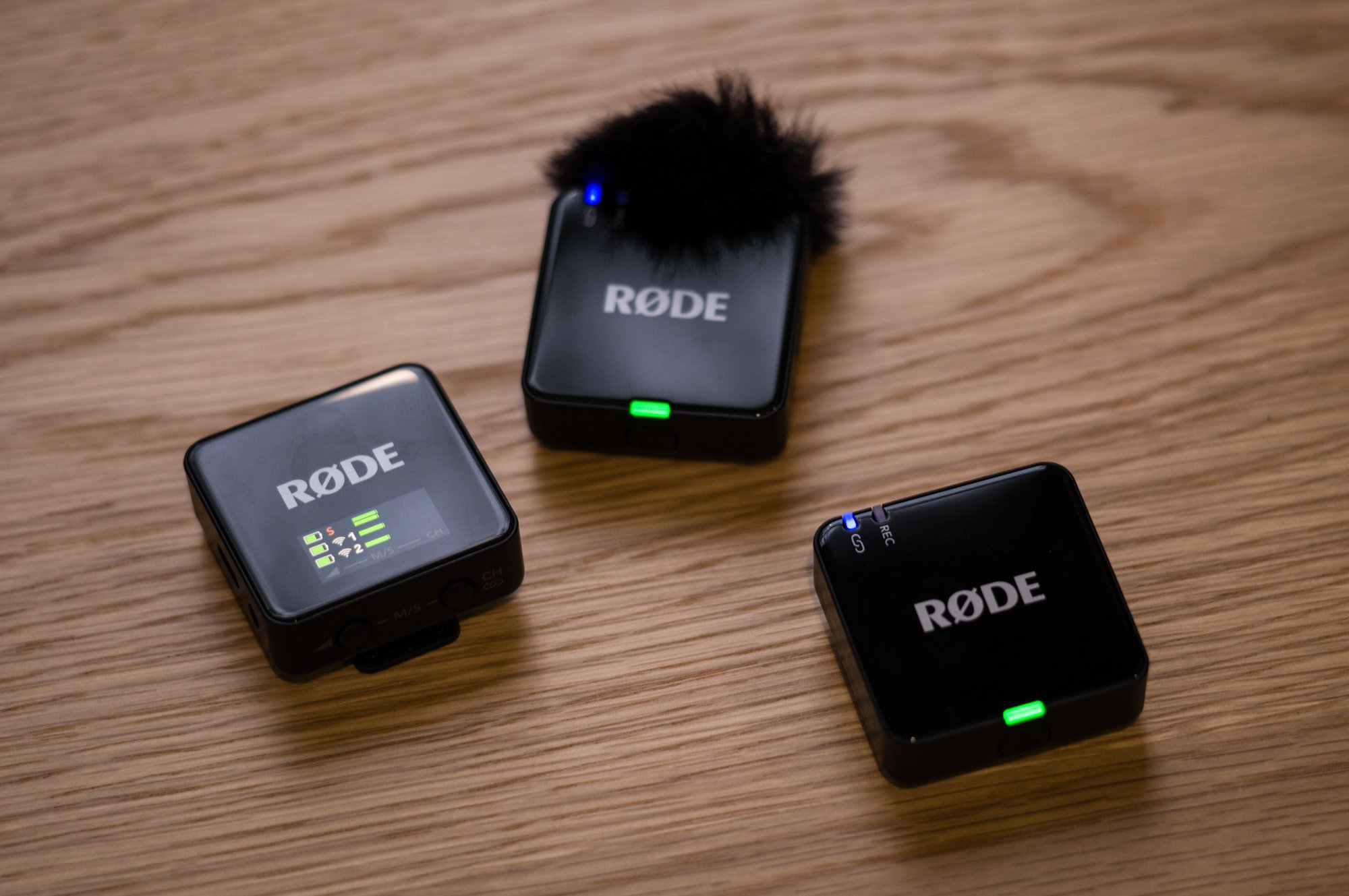
Rode Wireless Go Gen 3 mic set
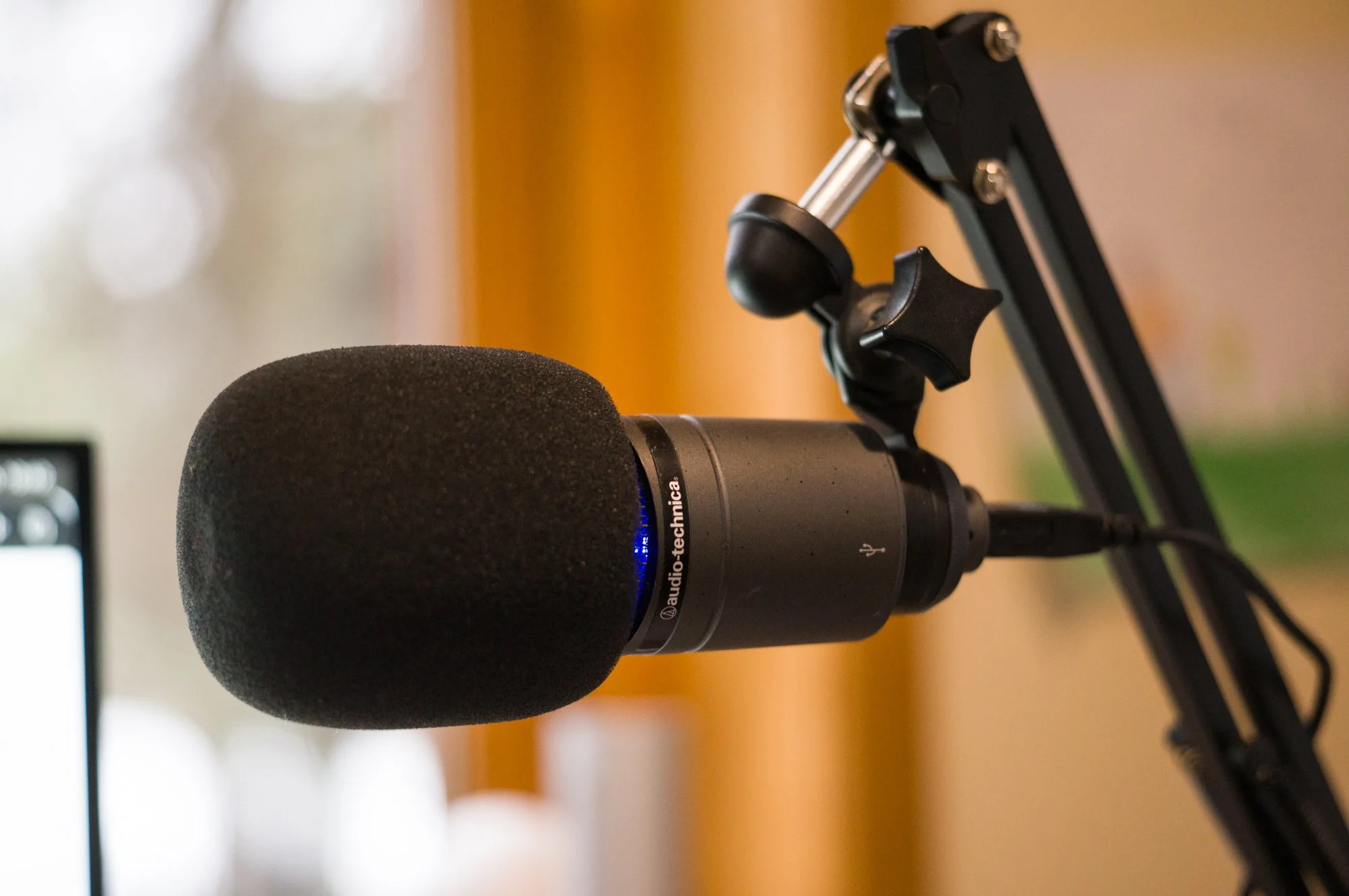
Audio Technica USB Condenser microphone
So that’s computers, the means of production. Next, you need to record when you make a podcast and to do that you need mics! I have 2 types I use. First, a USB condenser mic made by Audio Technica that I bought over a decade ago to do voiceover work. I really like how it sounds, it’s worked with a bunch of computers over the years and provides the sound you all know and hopefully love. When I’m out and about like I was last weekend with Ed Smith, and will be again with some guests in the coming months, I turn to my trusty Rode Wireless Go Gen 3s. That’s a mouthful, but these mics are absurdly good. Each pack includes 2 mics and a receiver. I just turn them on, do my thing, and whether handheld in little mic holders like with the Lewis episode or on a desk in a little mic stand, they have always done the business. These little guys will be coming more places with me in future, I have lots of ideas, which is lucky because I have 3 sets.
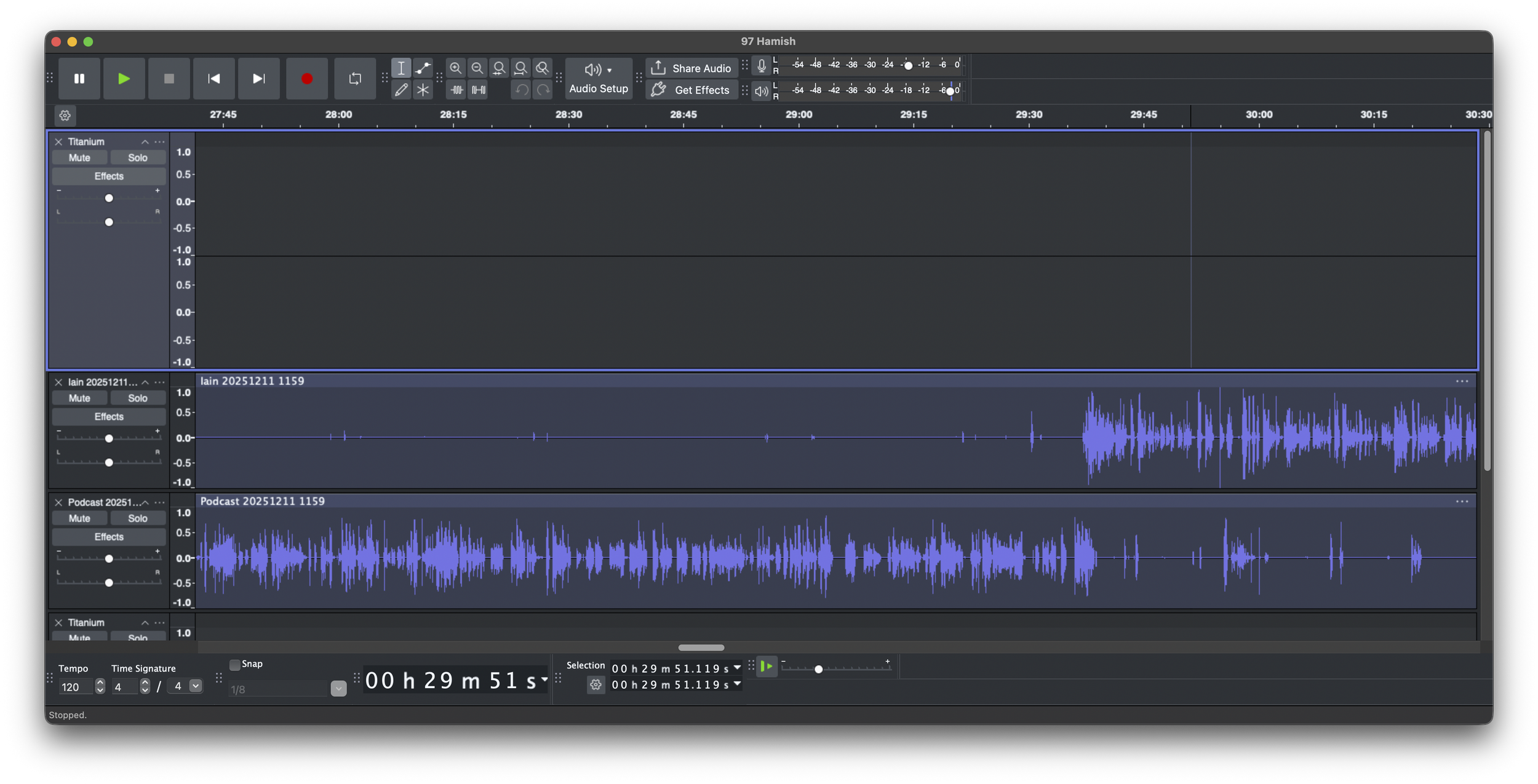
Audacity - podcast editing powerhouse
Audio captured, it’s time to edit. When I started, I was using a video editor, a terrible idea in hindsight but it was software I knew how to use, it made making a video version for YouTube trivial and it meant that I could edit using my Mac or the iPad mini I had at the time when I was travelling. These days, I’m onto a dedicated audio tool, the rather wonderful Audacity, hence also needing a laptop not an iPad. This open-source application is excellent and I would be lost without it. It is filled with thoughtful touches that really speed up your workflow and it has been super reliable.
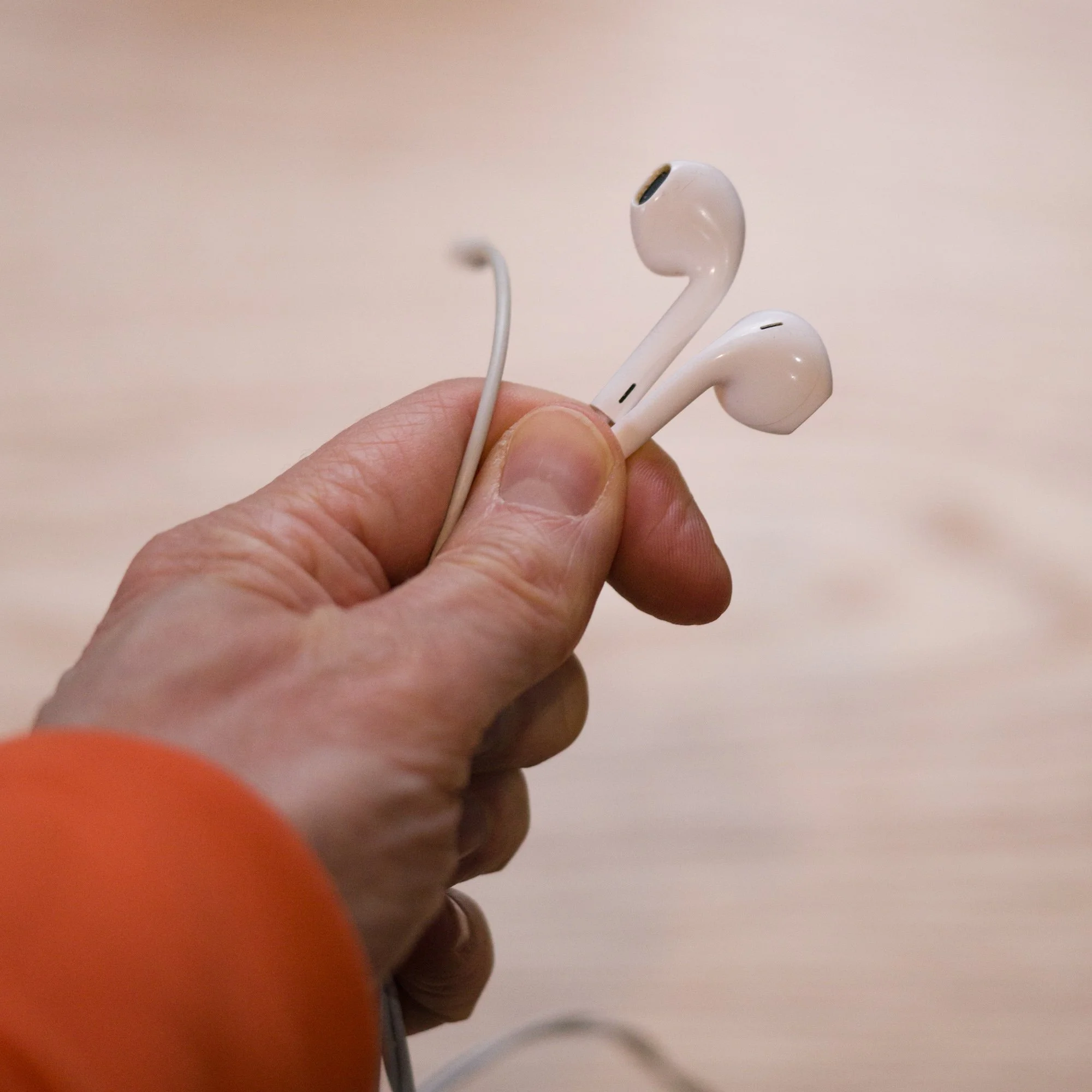
Apple Earpods
Editing also requires use of my ears and I use Apple EarPods, wired headphones that cost less than £20. I keep a spare pair because at any moment modern tech companies would love to take away your wired headphones.
I use these rather like a musician or producer listening to an album on a car stereo after mastering. I figure they’re about as good as the headphones most listeners are using and I want to represent the average listener in my mastering process, not someone with studio grade open backed headphones. A wire is also far more reliable when recording and they never need charging.
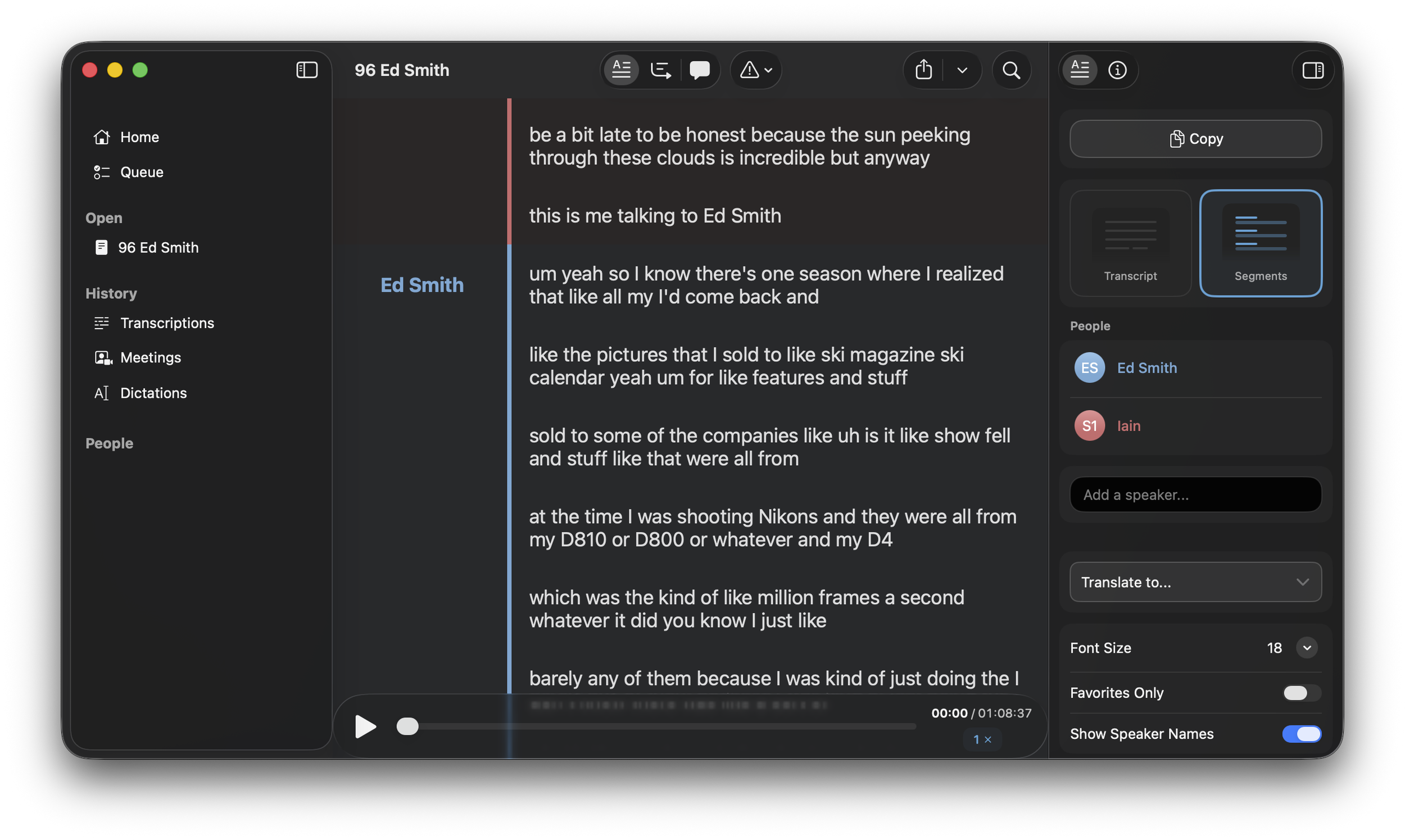
Mac Whisper - Transcription app
I’ve also invested recently in a program called Mac Whisper which can transcribe audio and separate out different speakers. I think this is something that could become more important in future. Up to now, transcriptions have been automatically provided by platforms like YouTube or Apple Podcasts. Knowing where someone said something or what was said in the course of a conversation over 50 episodes ago might be handy at some point and the nice thing about MW is that it runs in the background, I can just point it at a file or folder and off it goes. I still have to manually tell it who those speakers are and it’s fiddly and fragile in its implementation, but it does what I need it to do for now.
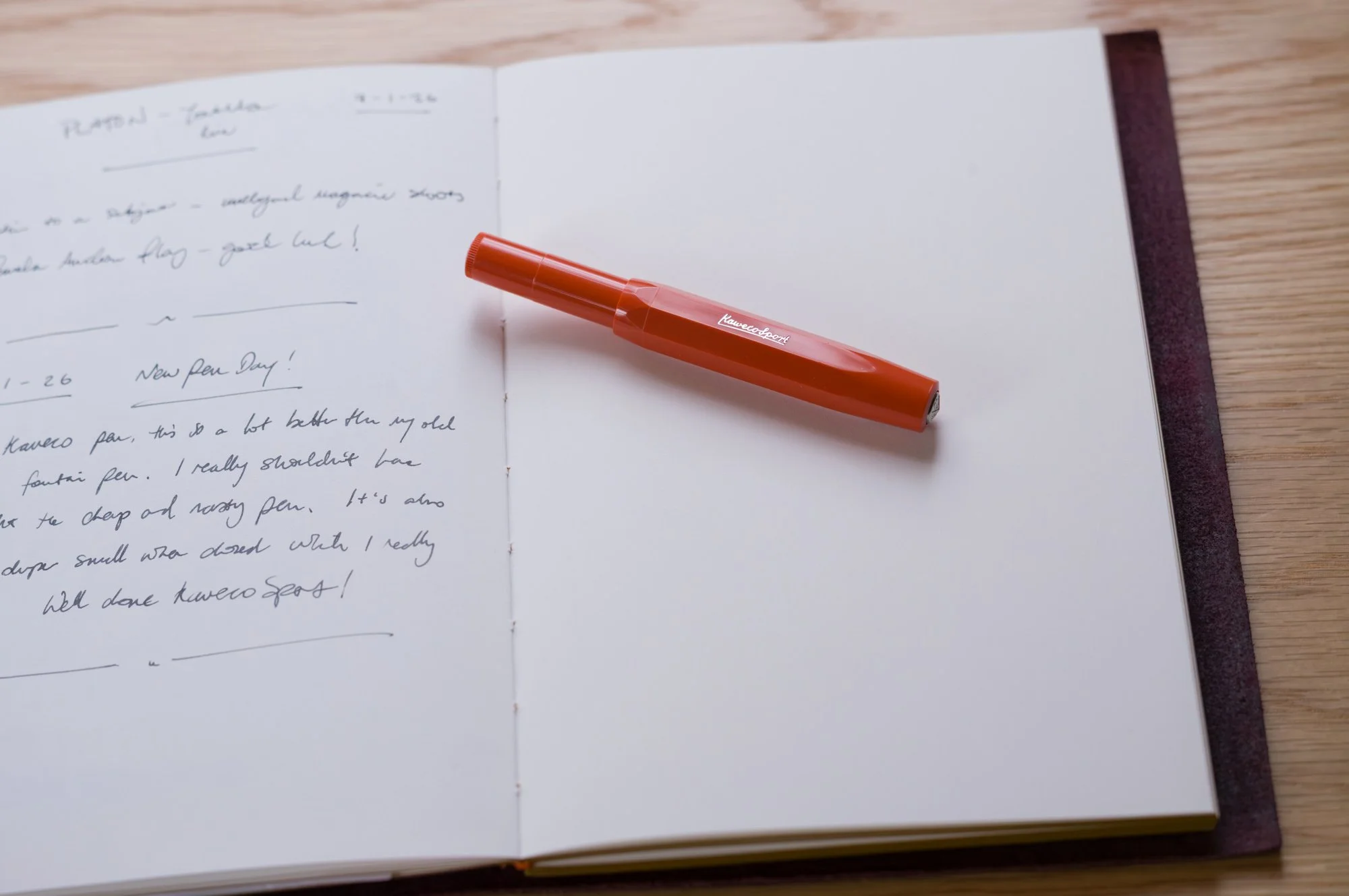
Paper Republic Journal and Kaweco Skyline Sport Fountain Pen
The final piece of technology I am relying on more and more is a nice notebook and pen. My journal came from Paper Republic and the pen I’ve just got and LOVE is a Kaweco Skyline Sport which predictably for me is orange, well they call it Fox. I bought a fountain pen after meeting Peter Karbe at Leica in June last year, he’s a fan and talked about fountain pens on the show in relation to the M camera. Both, he explained, make you better at the craft. I bought a cheap no brand pen for about £18 on Amazon, and what I realise now is that for the extra £6 I should have bought a Kaweco Sport. I’m sure many of you reading this know pens and will tell me this or that one is superior and I welcome it, I could definitely become a pen guy, but this thing is a joy to hold, it’s got a wonderful early to mid 20th century aesthetic, it’s super light and I am in love with using it. The sort of tool that makes you want to write.
Find tools you love, I have and it’s extremely rewarding.